
WELCOME, SELLERS
Set up your shop.
One step at a time.
You do not need to know how to write scripts. We'll go from opening the box to a real product a customer can buy.
THE BIG PICTURE
Six steps from box to business
Work through these in order. You can come back anytime.
Open your package
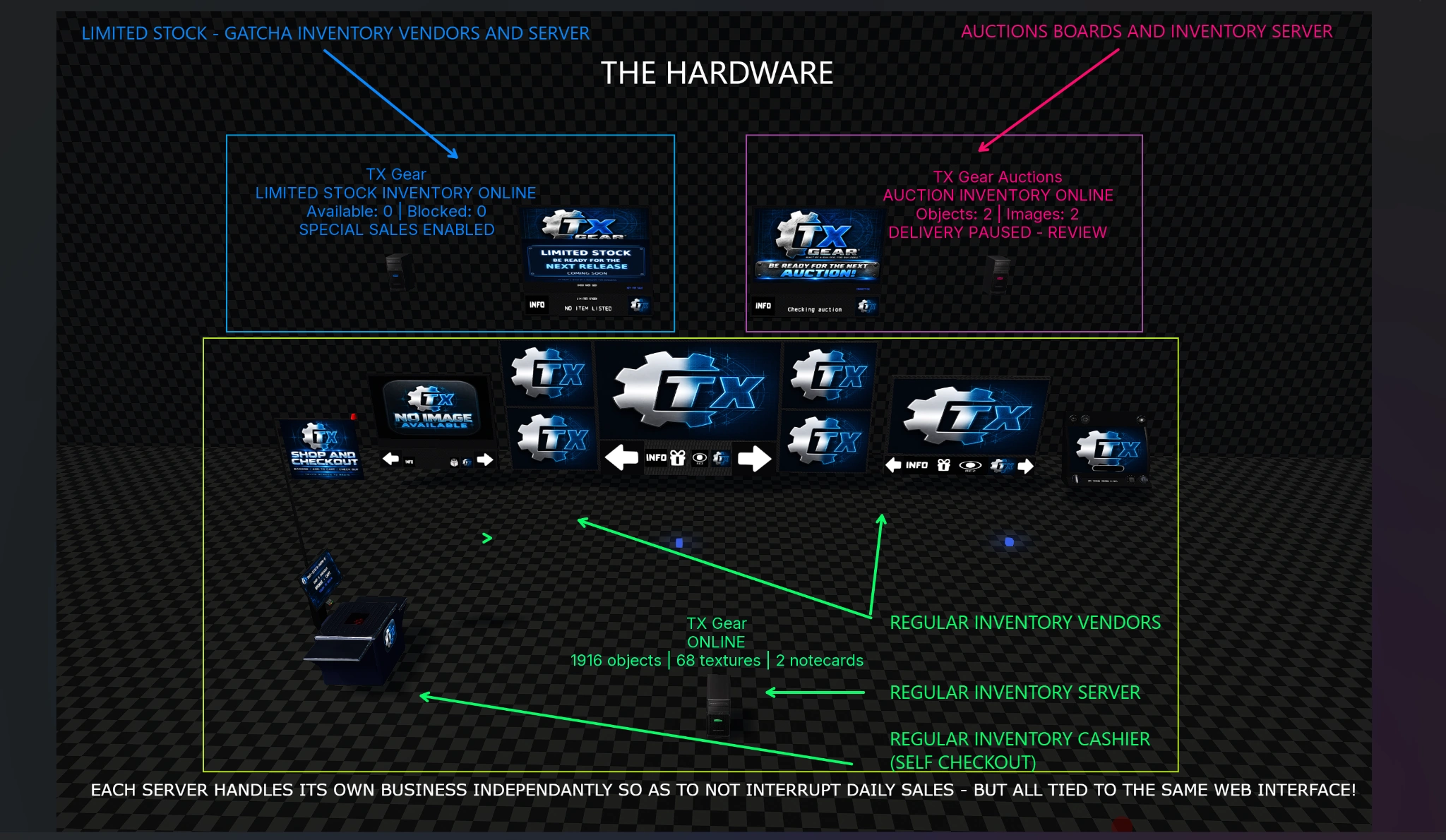
See the three servers with working examples, two legacy importers, link and landmark.
Show me → 02Set up your server
Rez it, name your store in Config, and put your sale items inside.
Show me → 03Rez a vendor
Use the ready-made sign or put the vendor scripts in your own object.
Show me → 04Open Seller Administration
Get your private link from your server's Servers → Refresh menu, then set up your shop.
Show me → 05Add your first product
Give it a title, price, image, and the right vendor name.
Show me → 06Test the sale
Check the price, browse buttons, and delivery before inviting customers.
Show me →YES, REALLY
Any object can be a vendor.
A flat sign, a billboard, a building wall, a cute robot, or your own mesh creation. The scripts do the selling. The shape is up to you.
Start from the working Commercial vendor example bundled with its server, then customize the faces, buttons and display style for your own build.
How to make your own →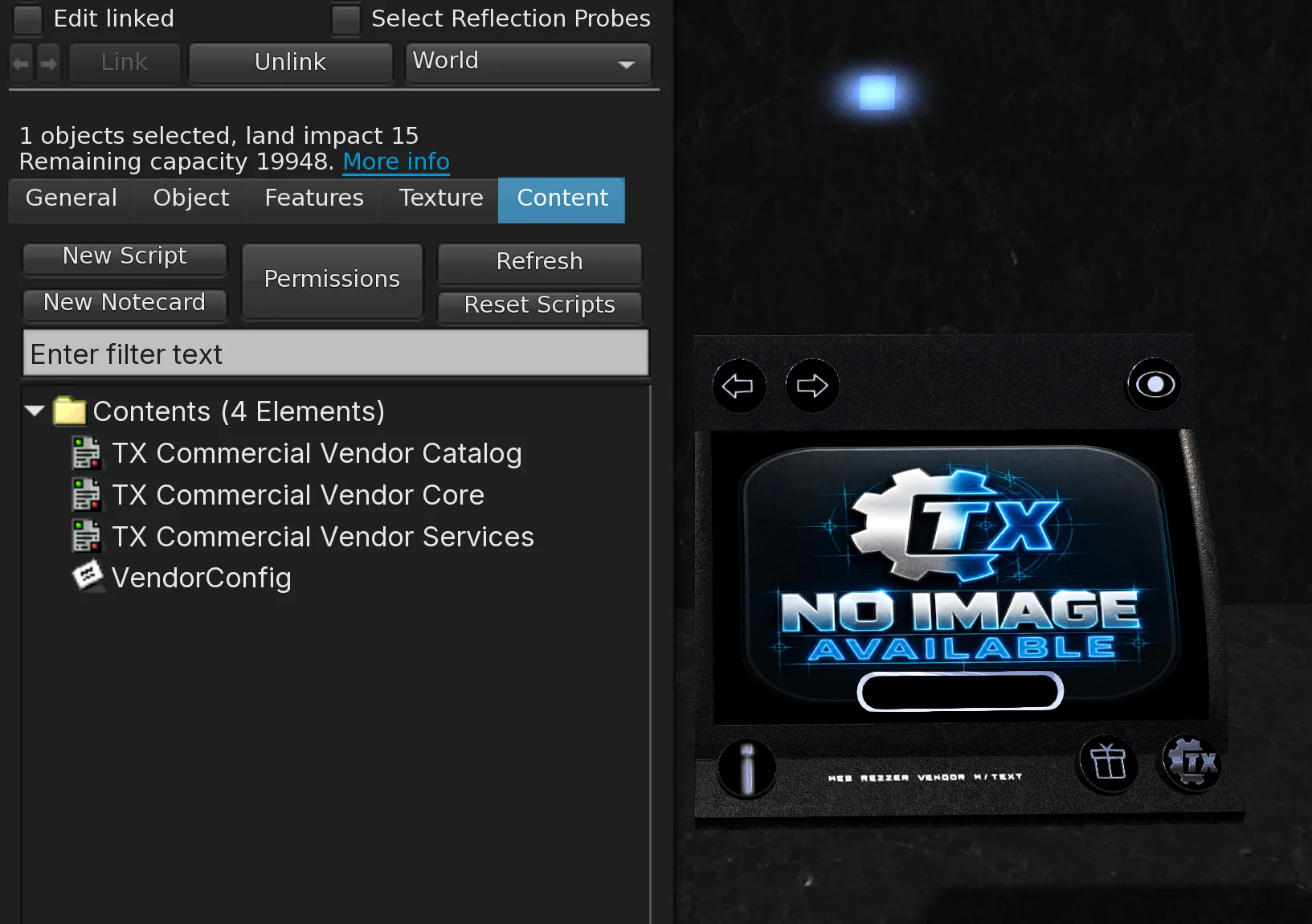
MORE WAYS TO SELL
Specialty tools and self-checkout
Use your normal Commercial vendor for featured merchandise, or open a much larger catalog through a Web Cashier. Auctions and Limited Stock use their own inventory workflows.
Web Cashier
Only touching a Self Checkout in-world opens a private web cart. Customers add Commercial products and pay once at that kiosk. Public browsing and vendor sessions remain separate.
Web Cashier GuideAuctions
Let visitors browse online, then use a connected Auction Board to authorize bidding in-world.
Auction GuideLimited Stock
Track actual individual inventory units with a dedicated stock server and vendor board.
Limited Stock Guide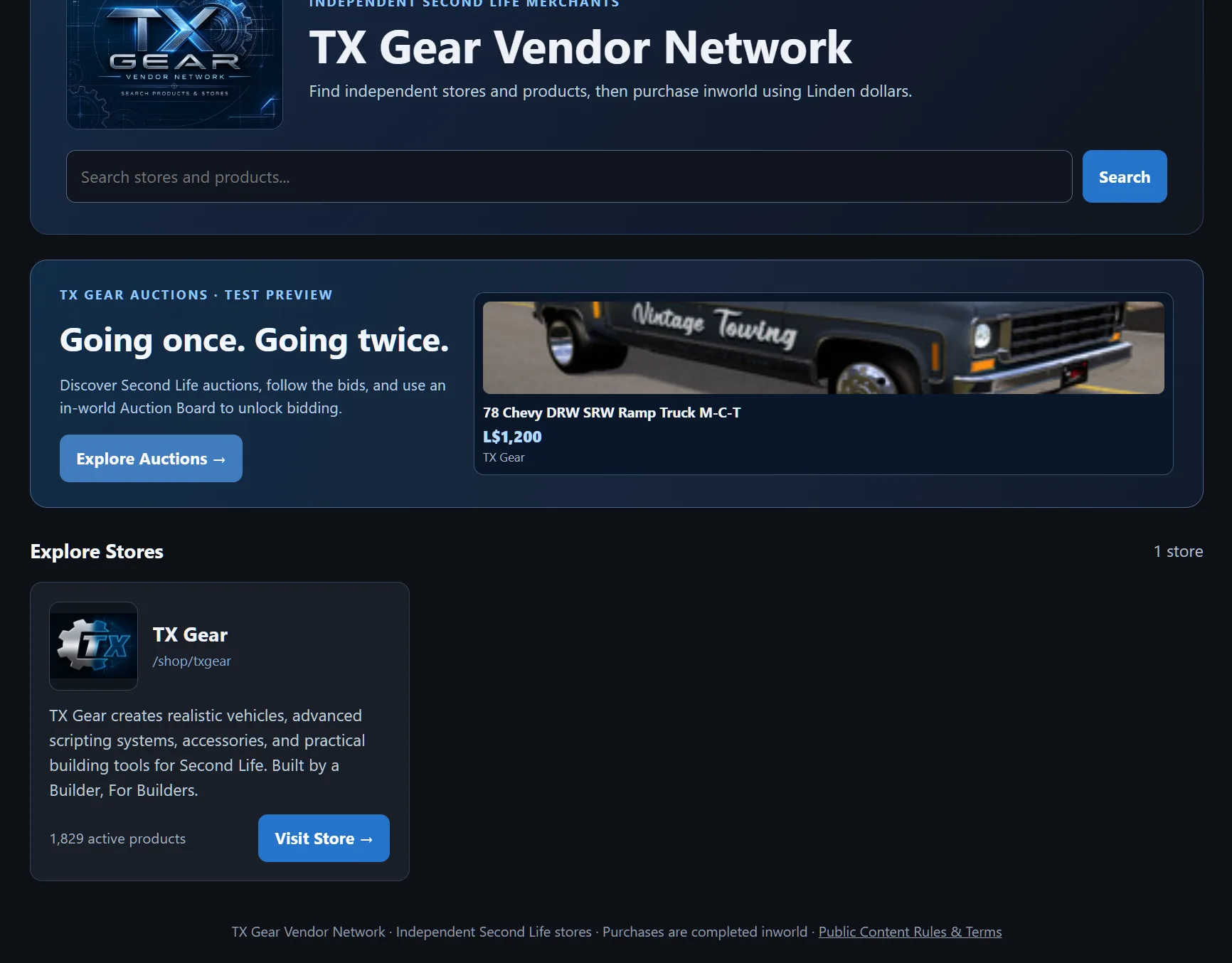
Before you publish a public store
The website is meant for a general audience. Public sexual content, adult toys, erotic poses, and explicit images or listings are not permitted. You may be able to sell certain items inworld under Second Life rules, but that does not mean you can advertise them on this website.
FAST ANSWERS
Where do I go next?
Setting up objects?
Server, prims, scripts, faces, demo rezzers, hovertext and mesh text.
Inworld Setup →Setting up products?
Seller link, groups, listings, images, discounts, storefront and orders.
Seller Panel →Something not working?
Wrong item, missing image, offline server, buttons, or delivery problems.
Fix a Problem →