
SPECIALTY SELLING
Limited Stock
Limited Stock is for merchandise whose available units must be tracked individually in the dedicated Limited Inventory Server. It is separate from the regular Commercial catalog and Web Cashier cart.
1. Set up the Limited Inventory Server
Rez the dedicated Limited Inventory Server and place the items you intend to sell in its inventory. Let its scan/synchronization finish. The website can offer only the units the backend has recorded; do not assume a manually deleted or transferred item is still available.
From your private Seller Dashboard choose Limited Stock.
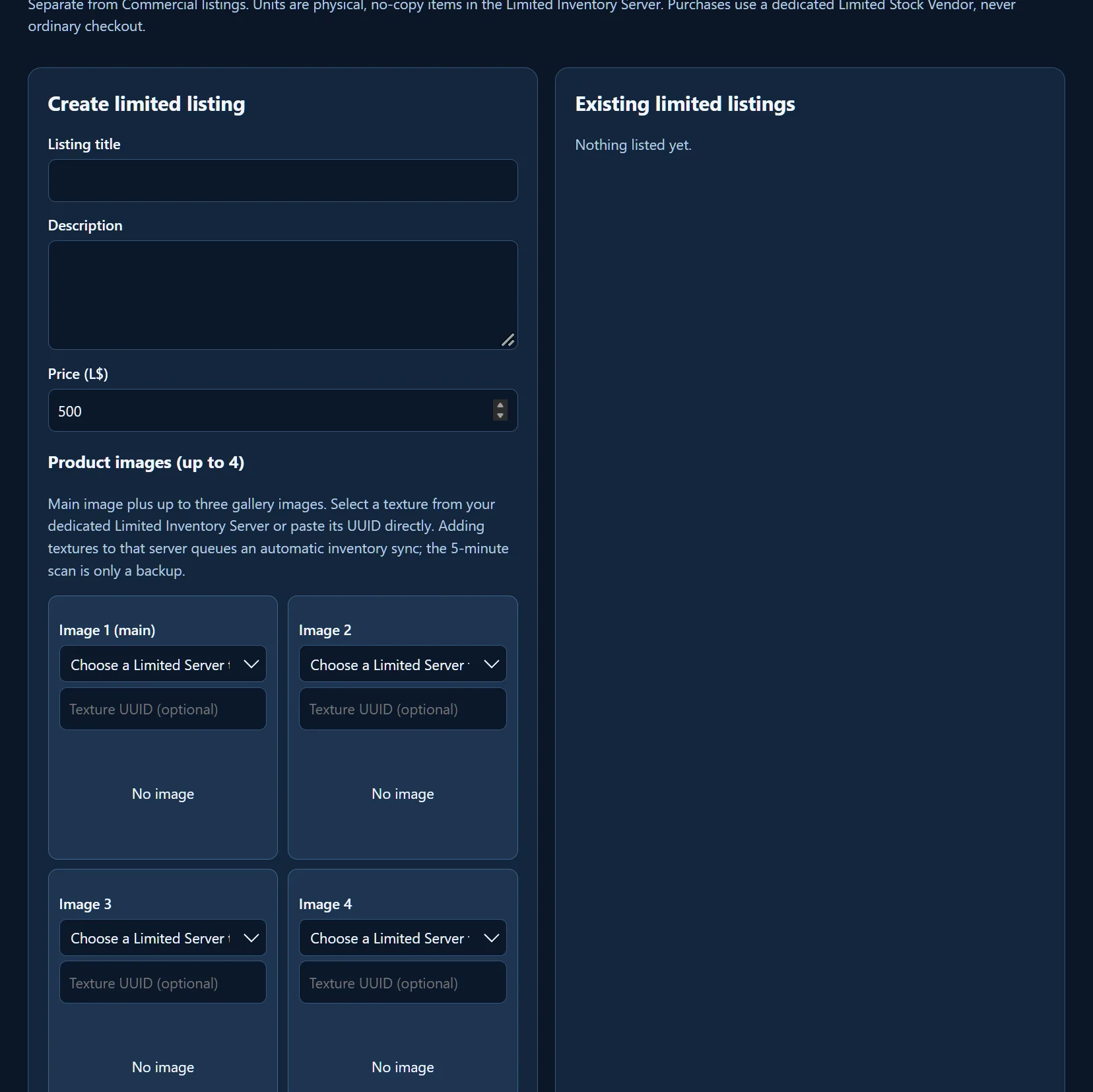
2. Create the listing and attach the board
Use the Limited Stock page to select and configure a listing. Set price, pictures, and permissions shown to customers. The physical Limited Stock Vendor is a separate in-world board, not a Commercial vendor panel or a Web Cashier.
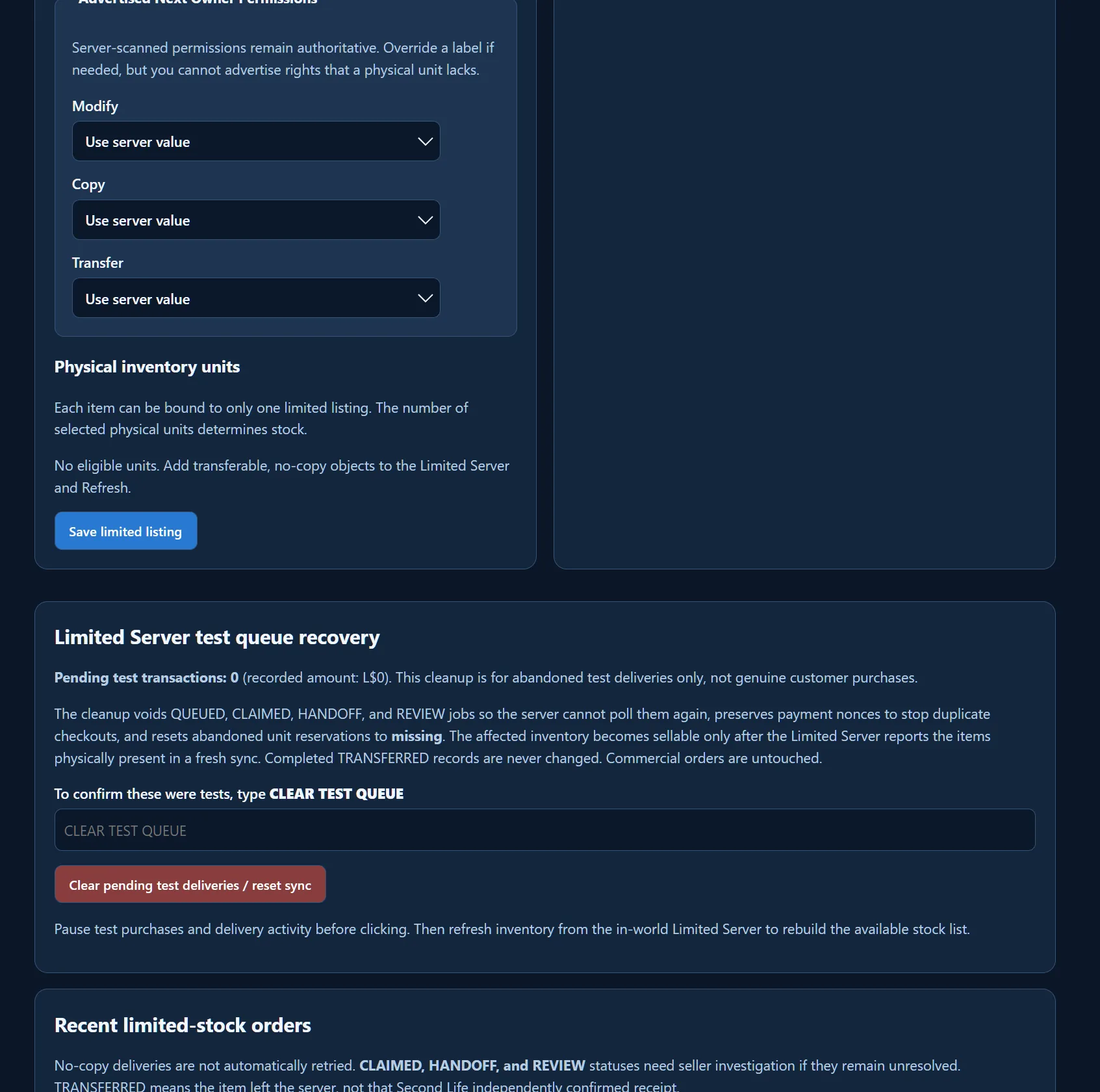
3. Test your listing
- Server scan is current.
- Actual unit quantity matches the display.
- In-world Limited Stock board shows the correct title, image and L$ price.
- A small real test purchase updates quantity and results in exactly one delivered item.