
SPECIALTY SELLING
Auctions
Auction Studio manages your auction listings. Customers can view public auctions online, but must authorize bidding by touching your in-world Auction Board.
1. Open Auction Studio
In your private Seller Dashboard, choose Auction Studio. Keep the seller dashboard link private. Create an auction from the items available in your Auction Inventory Server. Set the listing details, starting bid, minimum increment, and any reserve.
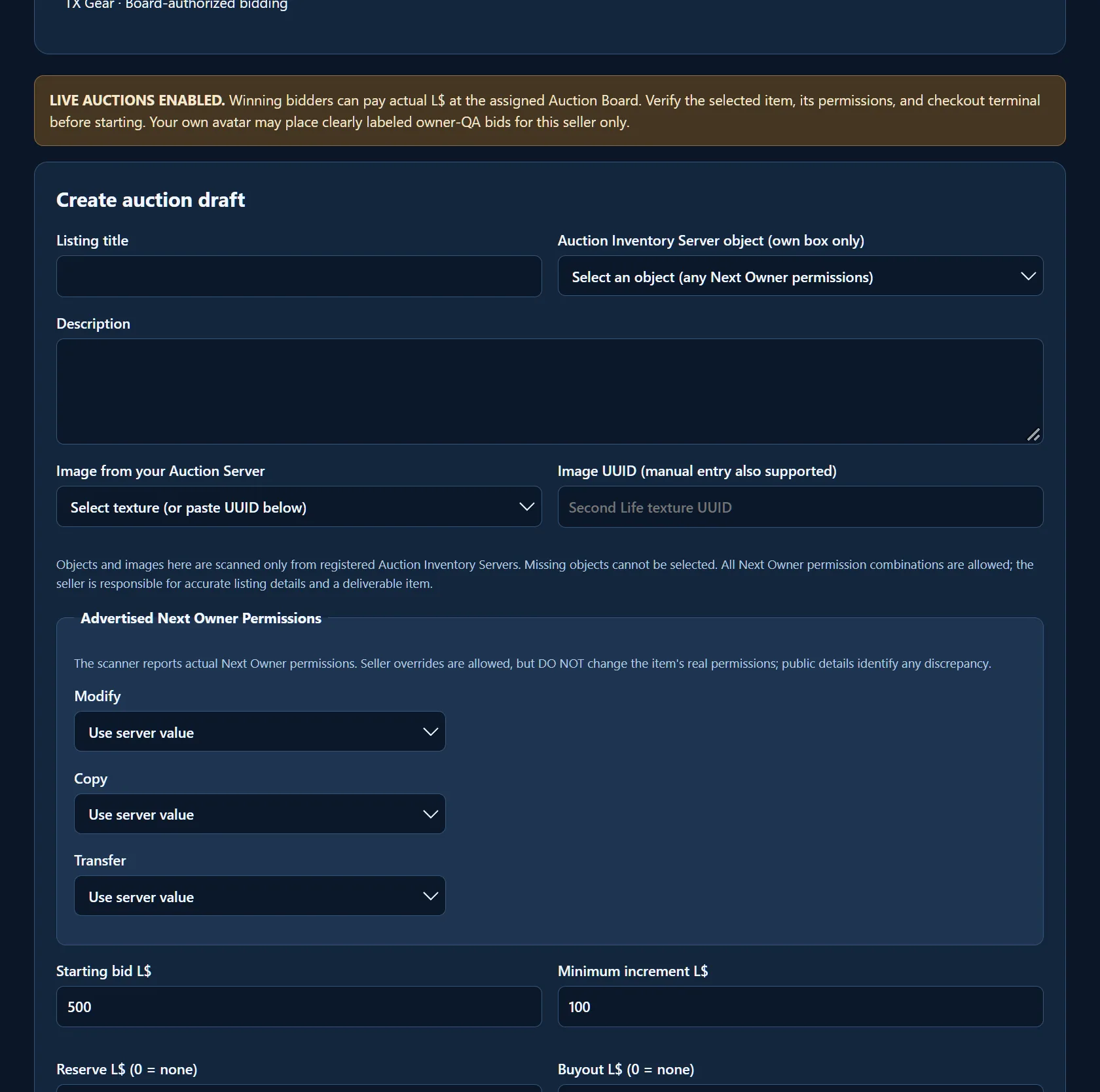
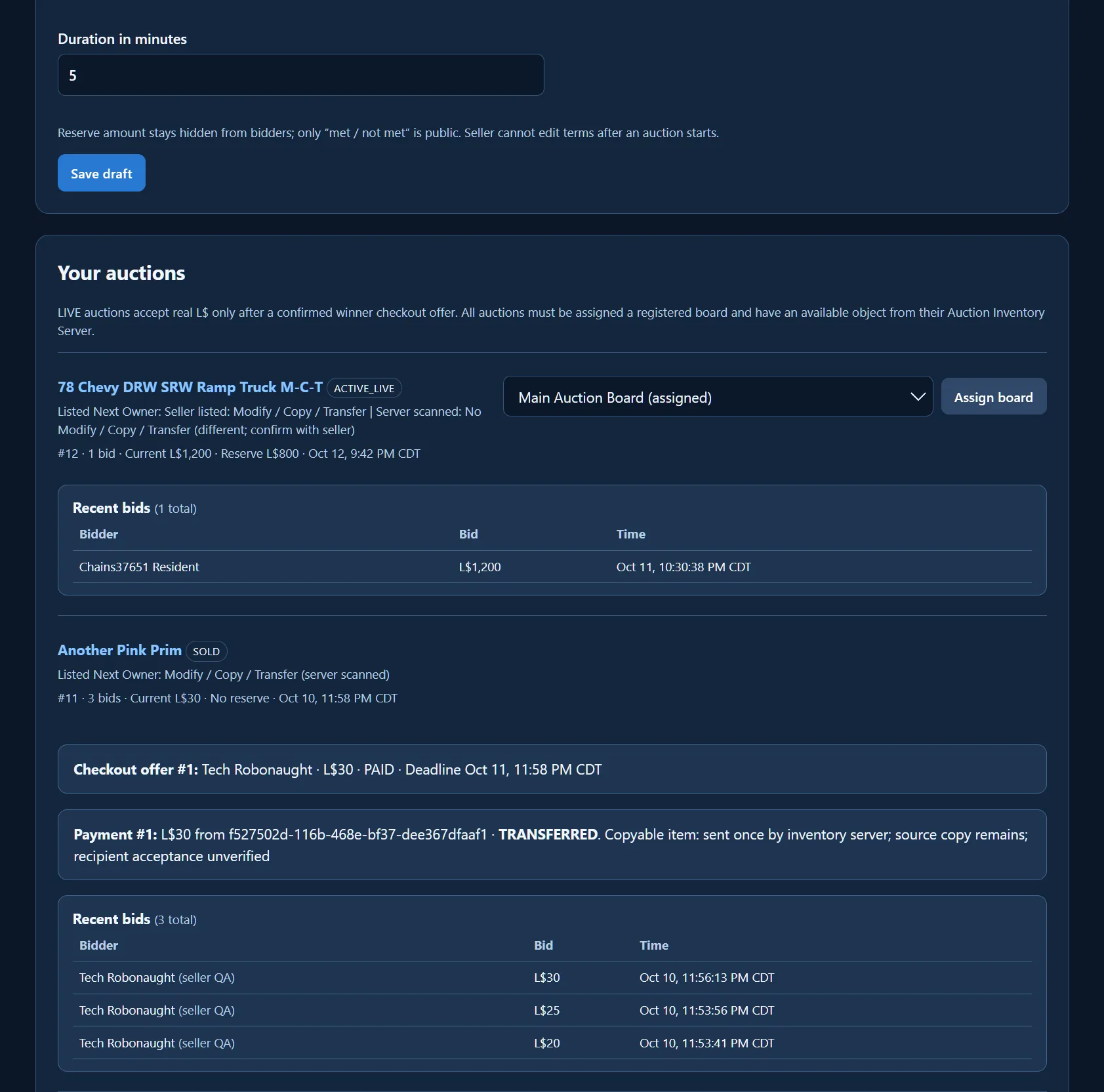
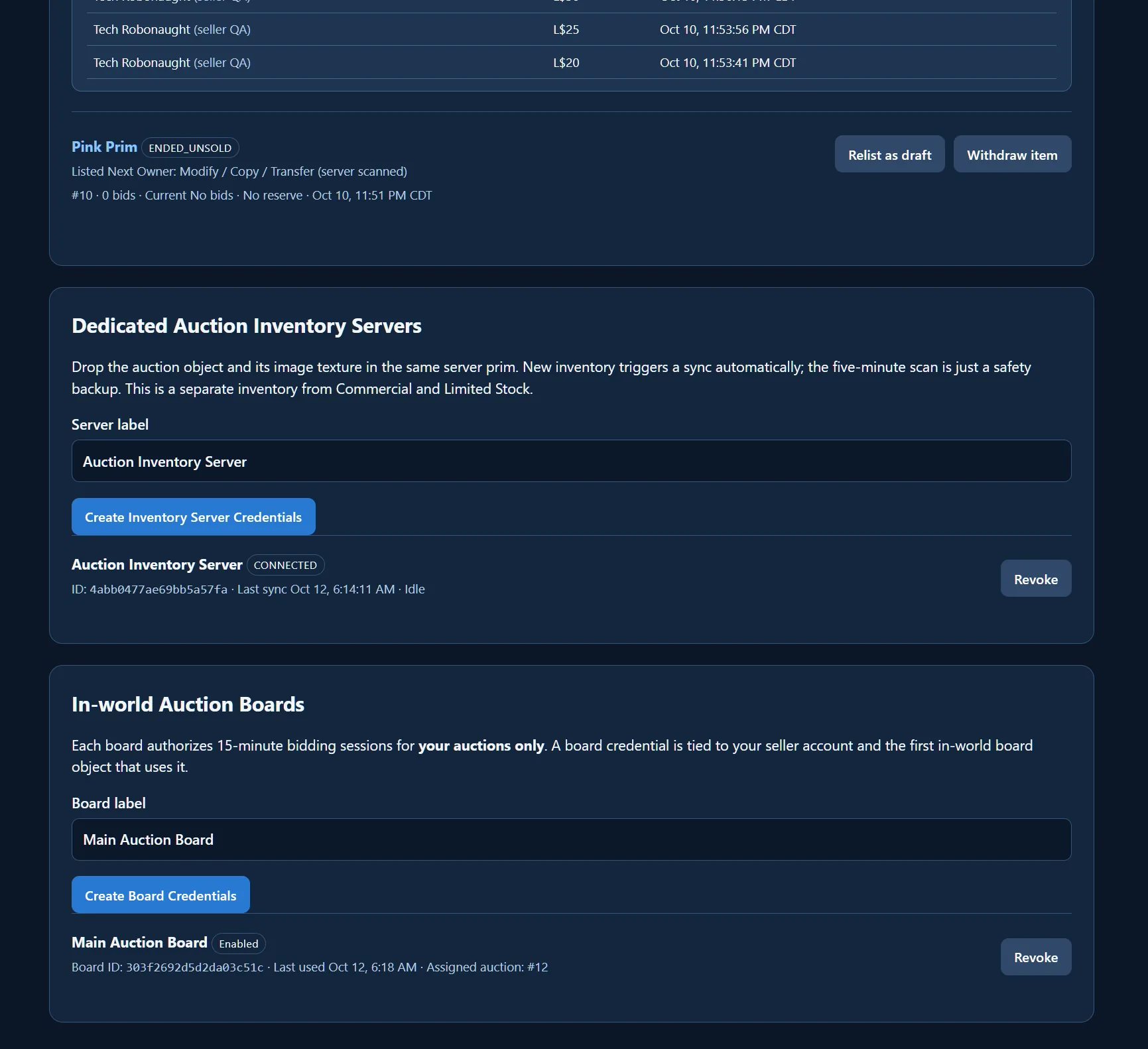
Use the Studio to manage the auction and assign an appropriate registered in-world board. Do not alter an auction that is already handling a pending winner payment without checking its status first.
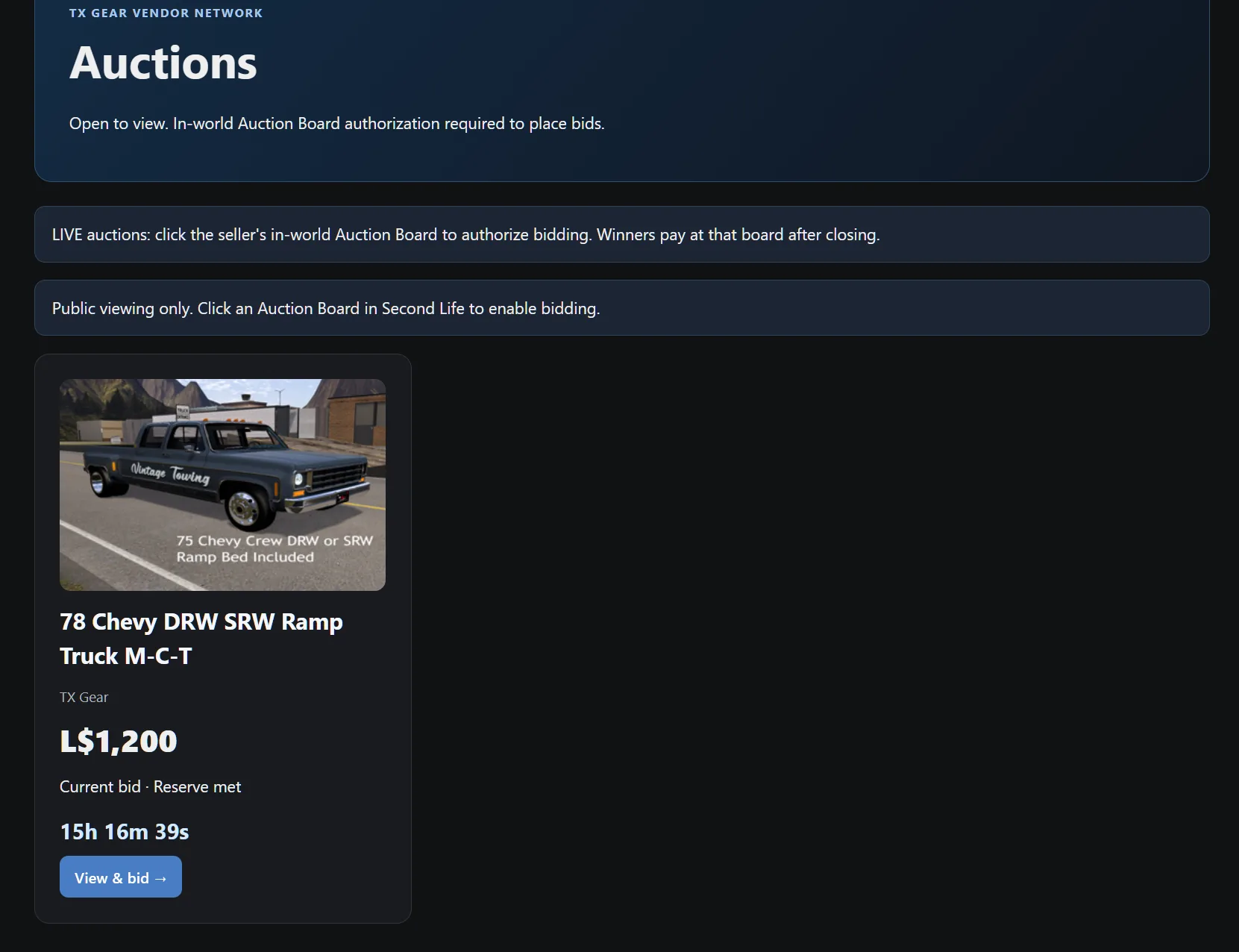
2. Public auction browsing and bidding
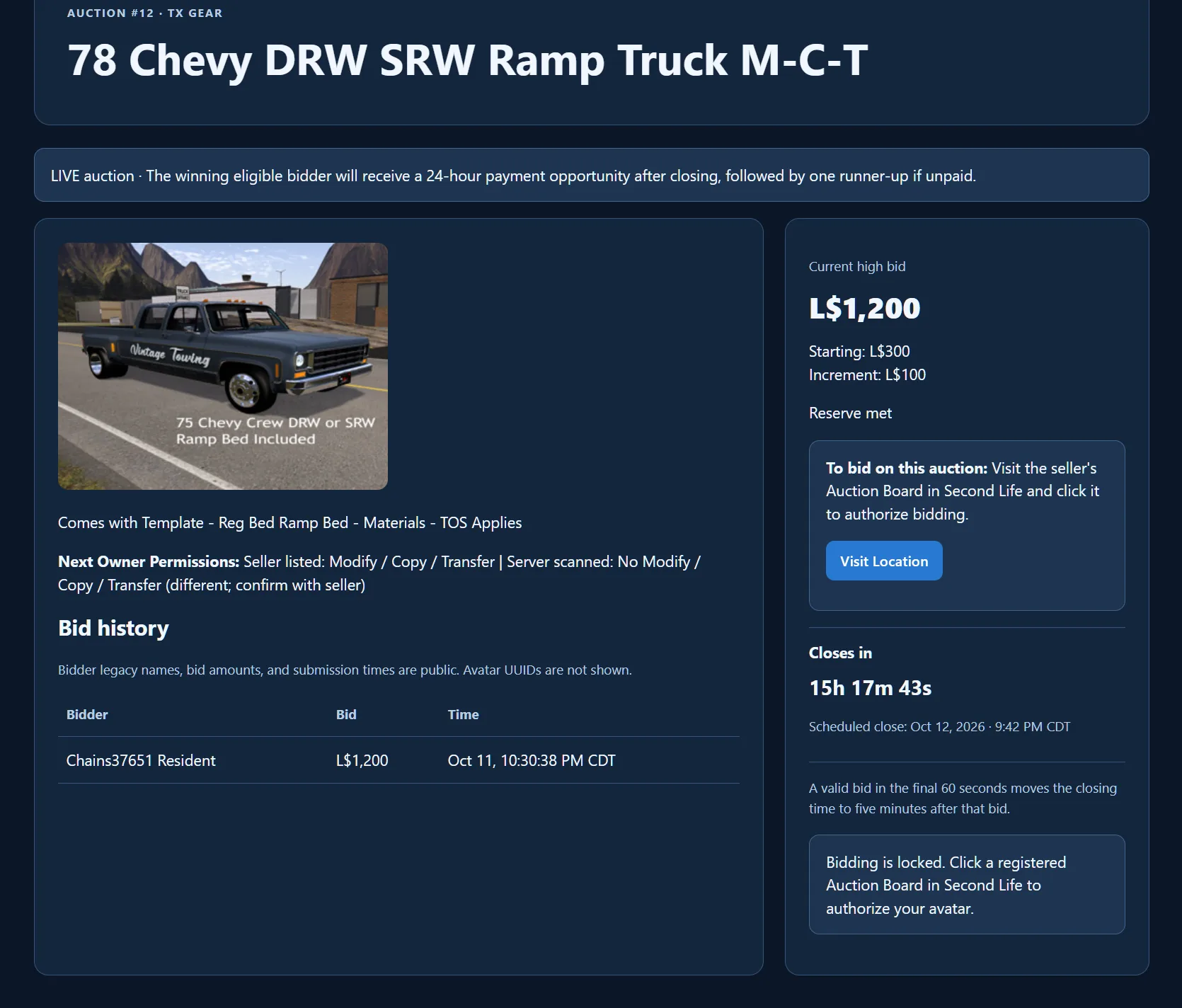
The public Auctions directory displays active auctions from participating merchants. Anyone can view the listings, but bidding authorization is attached to the visitor's in-world avatar after touching a seller's Auction Board.
3. Before opening your first auction
- Confirm your Auction Inventory Server is online and has synchronized the actual sale items.
- Confirm the correct board is rezzed and assigned to the auction.
- Check opening amount, bid increment, reserve, start and end time.
- Touch the Auction Board and check that web bidding authorization works.
- Run a low-cost test auction and verify the winner checkout and physical delivery.